

Adobe Photoshop:
Adobe Photoshop is one of the industry's leading image editing software and is widely used in illustration, graphic design, photo retouching and other fields. Most Drawing Tablets with Screen are perfectly compatible with Photoshop. Users can use the pen tip and pressure sensitivity to achieve detailed drawing and editing operations, which greatly improves the flexibility and efficiency of creation.Clip Studio Paint:
Clip Studio Paint is a software designed specifically for comics and illustrations. It provides a wealth of drawing tools and features, such as dynamic brushes, comic frames, etc. Many Drawing Tablets with Screen provide special drivers and settings for Clip Studio Paint, ensuring compatibility and smoothness on this software.
Corel Painter:
Corel Painter is a digital painting software that simulates traditional painting media. It has rich brush effects and textures and is suitable for artistic creation and simulated painting. Most Drawing Tablets with Screen are well compatible with Corel Painter, and users can achieve more realistic painting effects through the sensitivity of the stroke and tilt angle.
Krita:
Krita is an open source digital painting software that provides a wealth of drawing tools and customization options, suitable for various painting styles and creative needs. Many Drawing Tablets with Screen are perfectly compatible with Krita, and users can customize shortcut keys and brush settings to achieve a personalized drawing experience.
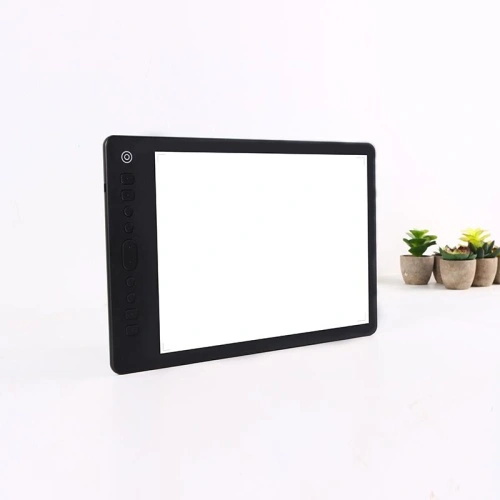
Drawing Tablet with Screen has wide software compatibility and can be used with almost all mainstream drawing software on the market. Users can choose the software that suits them based on their creative needs and habits, and by giving full play to the functions and advantages of Drawing Tablet with Screen, they can unleash their unlimited creativity and create more exciting digital paintings.